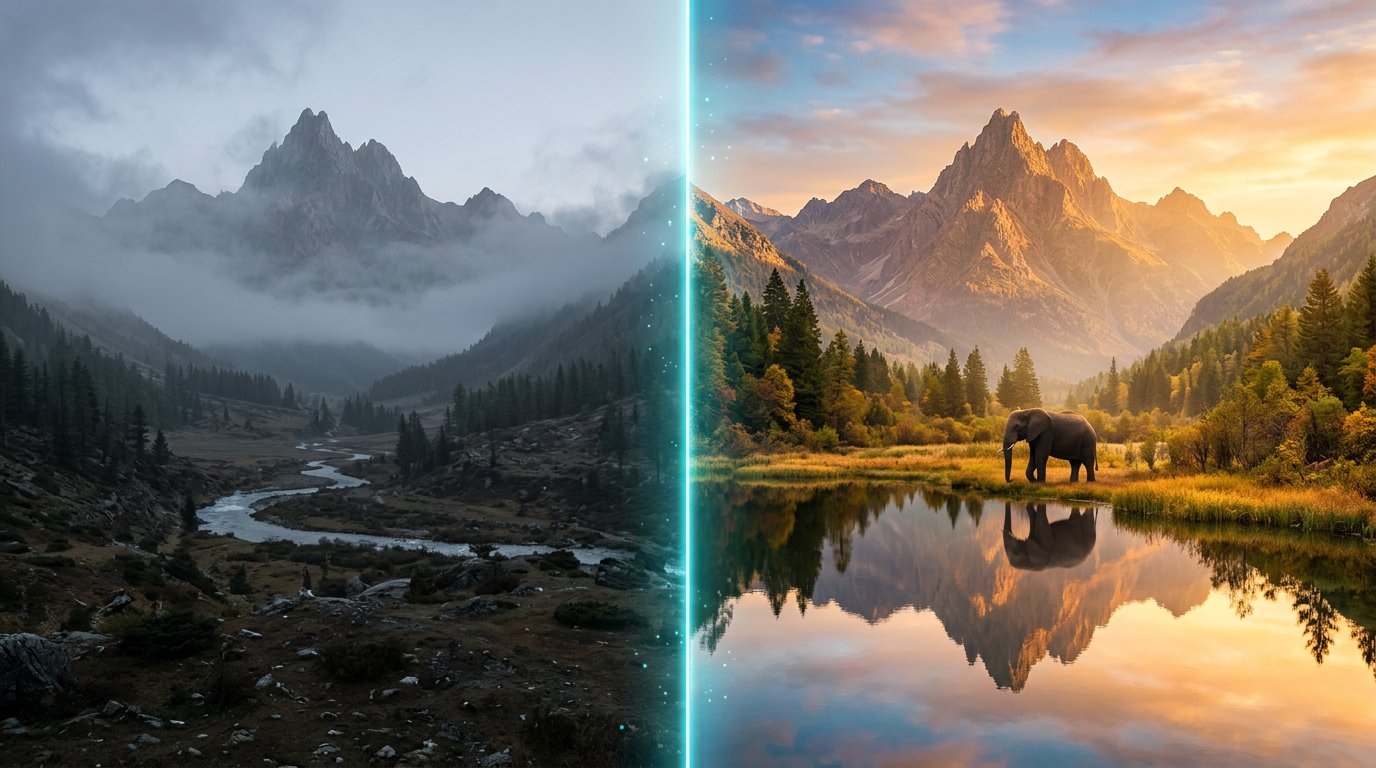
Intelligent Image Editing
Upload your own photos, generate new ones, and edit any image from your conversation history seamlessly. See how RidgeText understands context to perfectly modify and merge your images via SMS.
Most AI bots only let you edit the very last image you created. RidgeText's intelligent history tracking allows you to reference and modify any image within your active session.
You can bounce between uploaded photos, generated images, and entirely new concepts without losing your place. Below is a real conversation showcasing how this seamless editing journey works, step by step.
Analyzing an Uploaded Photo
It starts with a simple upload. We send an image of a mountain and ask RidgeText to describe what it sees.
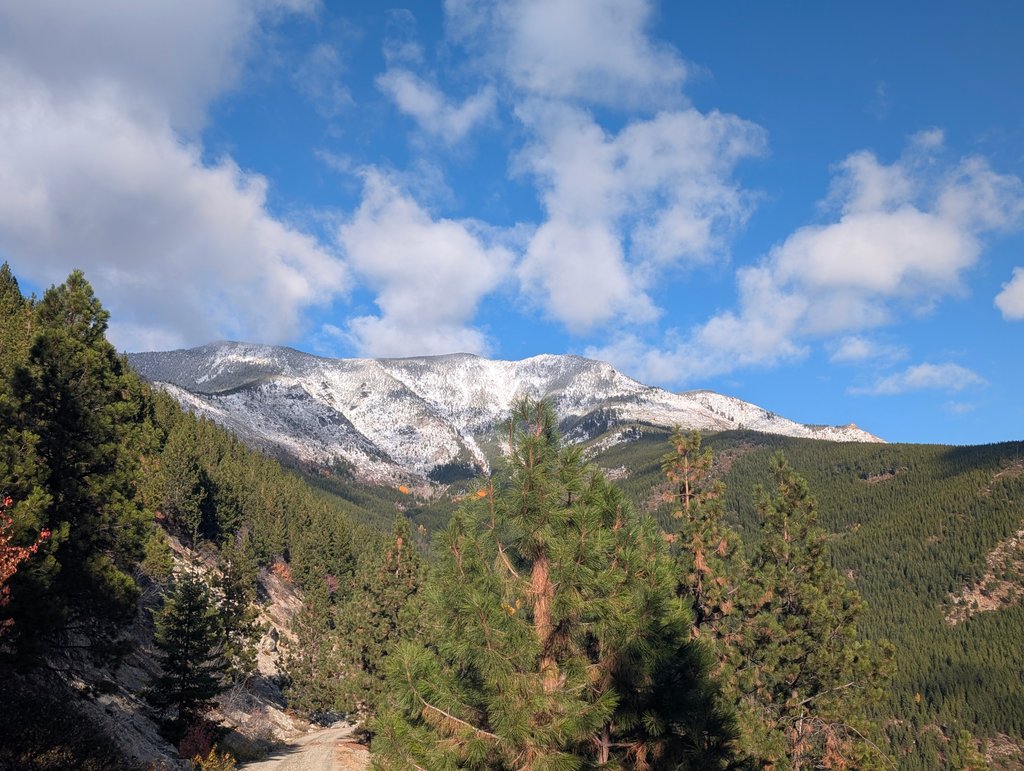
User: What does this image show?
Generating New Images
Next, we ask RidgeText to generate some completely new images. We add a generated mountain and an elephant to the chat history.
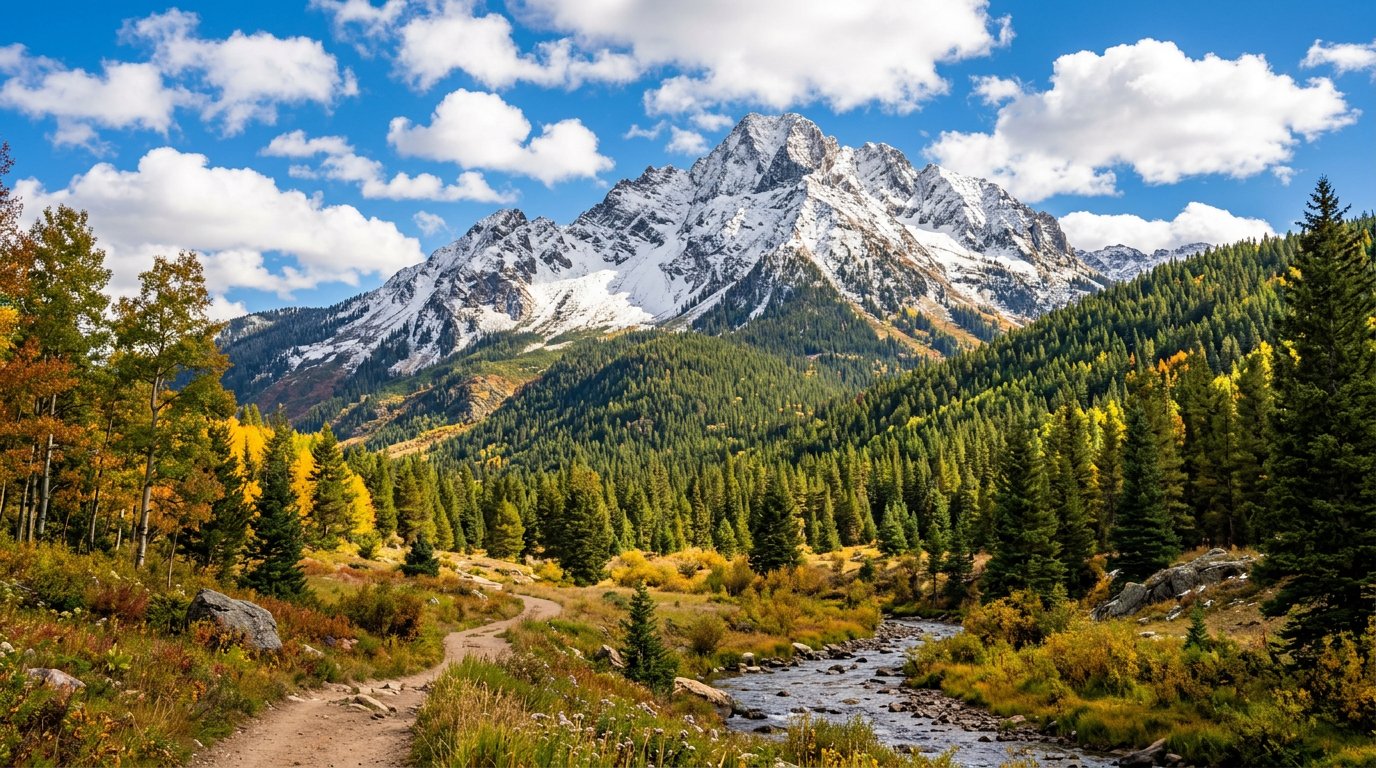
User: Generate an image of a snow covered mountain in late October with green ponderosa pines leading up to the snowline. The sun is out and the sky is bright blue with white clouds over the mountain.
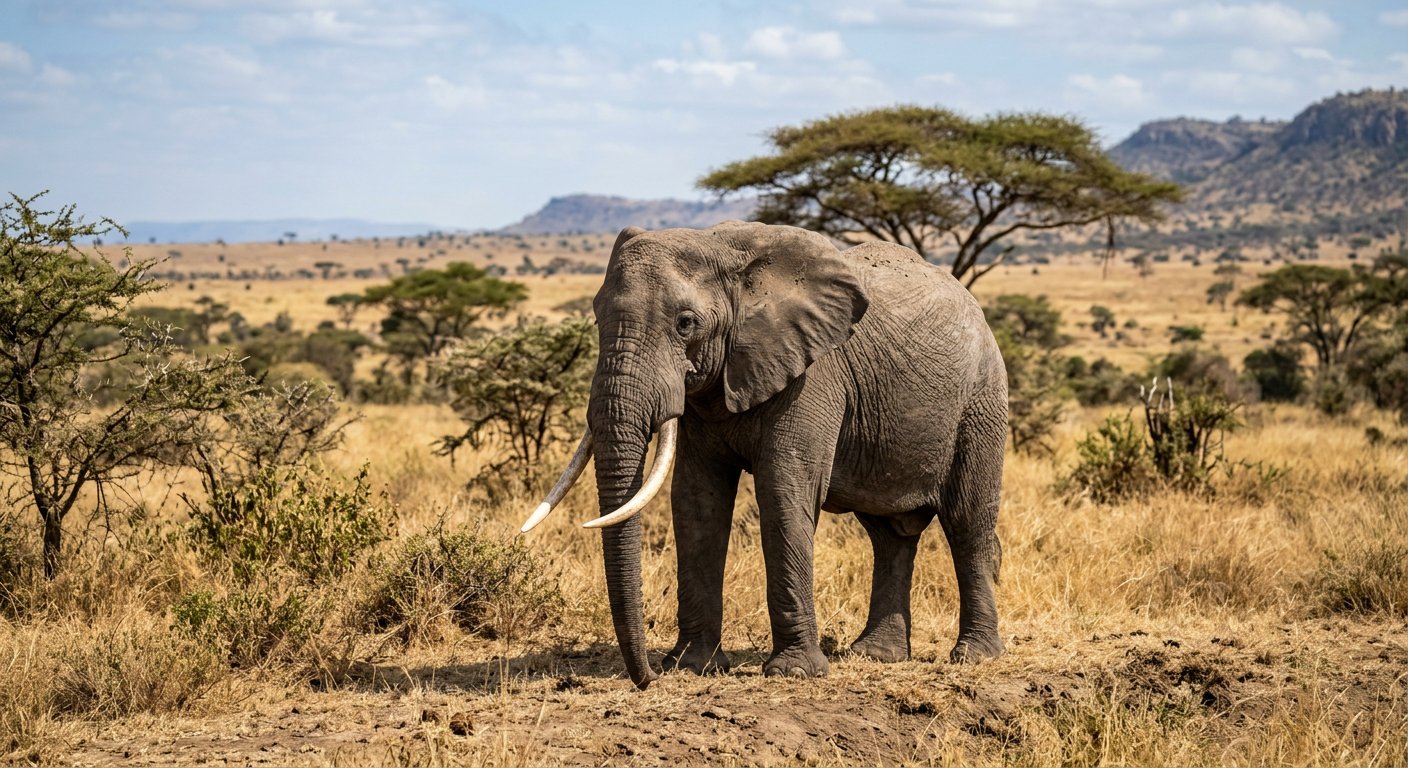
User: Now generate an image of an elephant
Contextual Image Editing
This is where the magic happens. We have three images in our history now: the uploaded mountain, the generated mountain, and the elephant. We can ask to edit any of them.
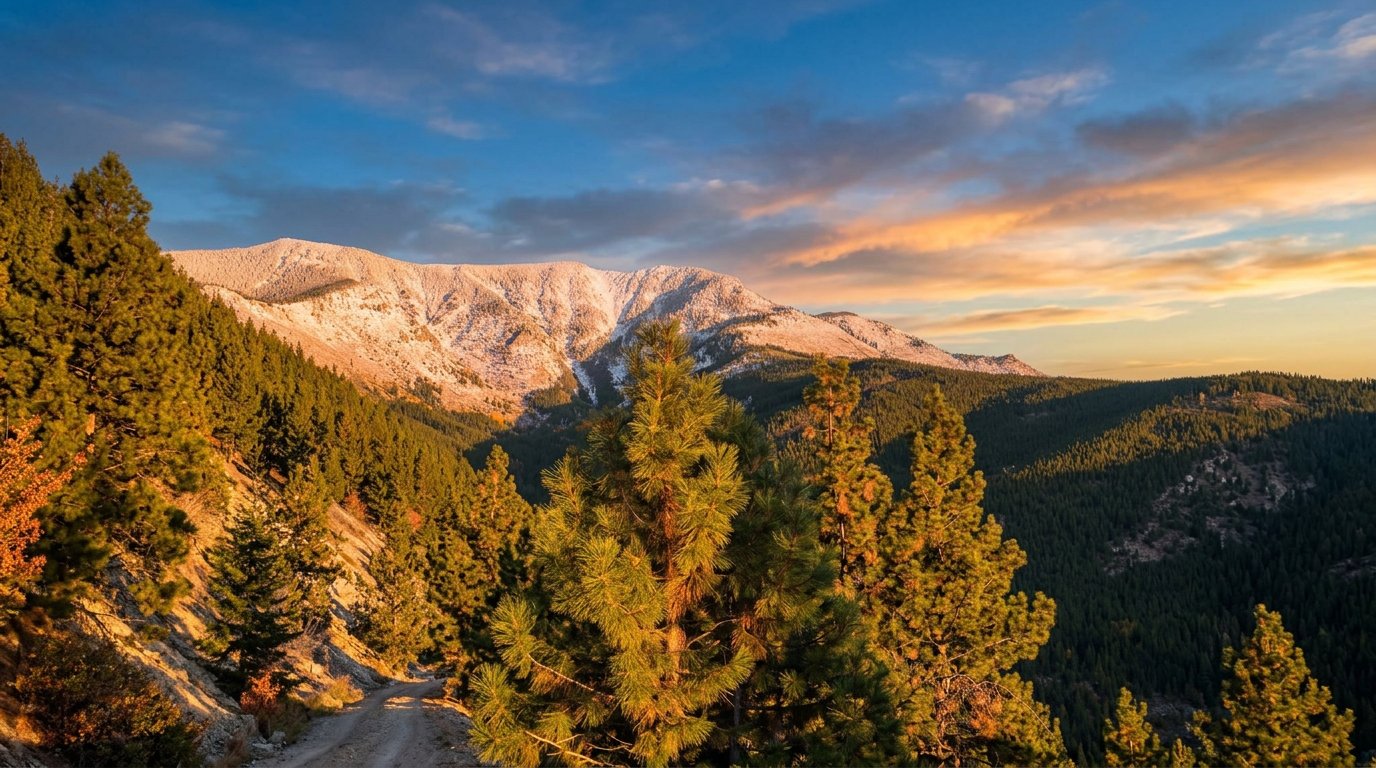
User: Can you edit the first image to add a dramatic sunrise over the mountain?
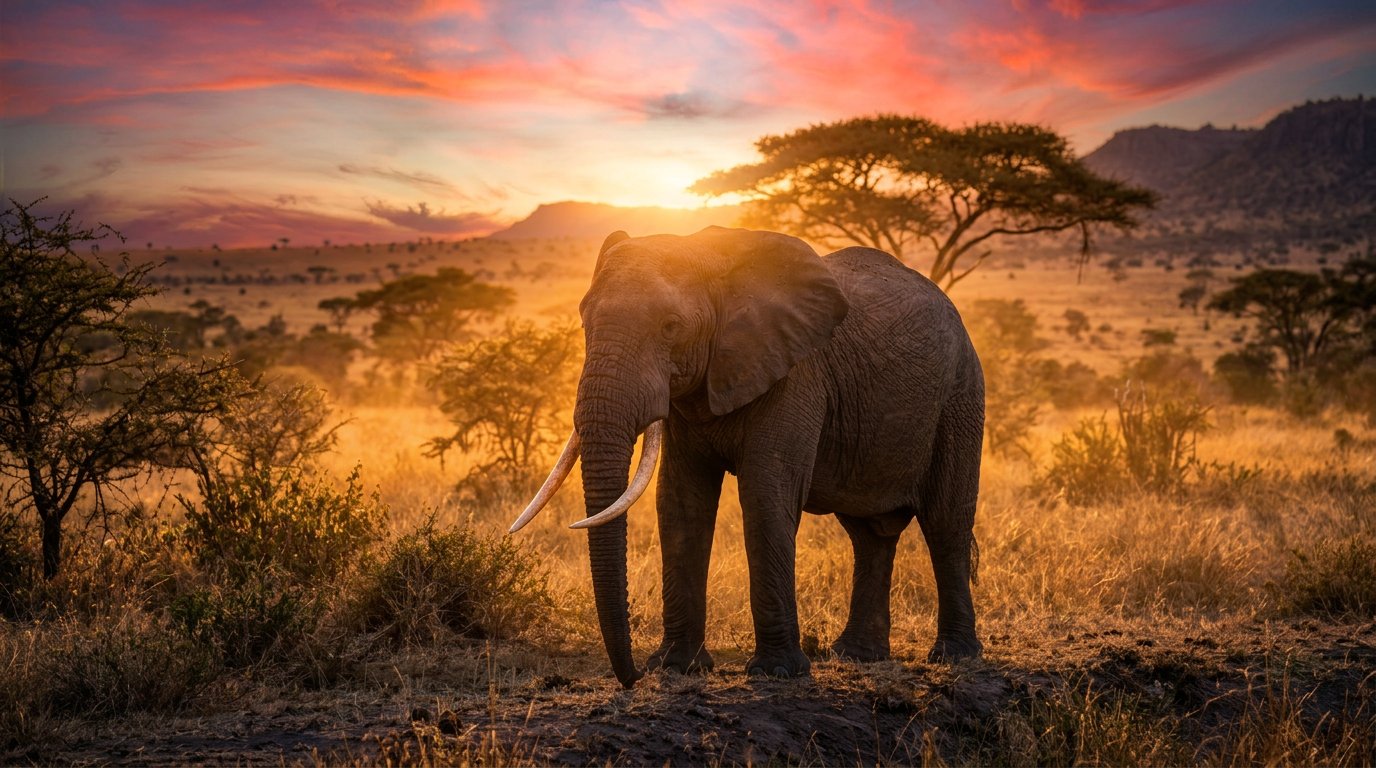
User: Can you also edit the elephant image with a similar dramatic sky?
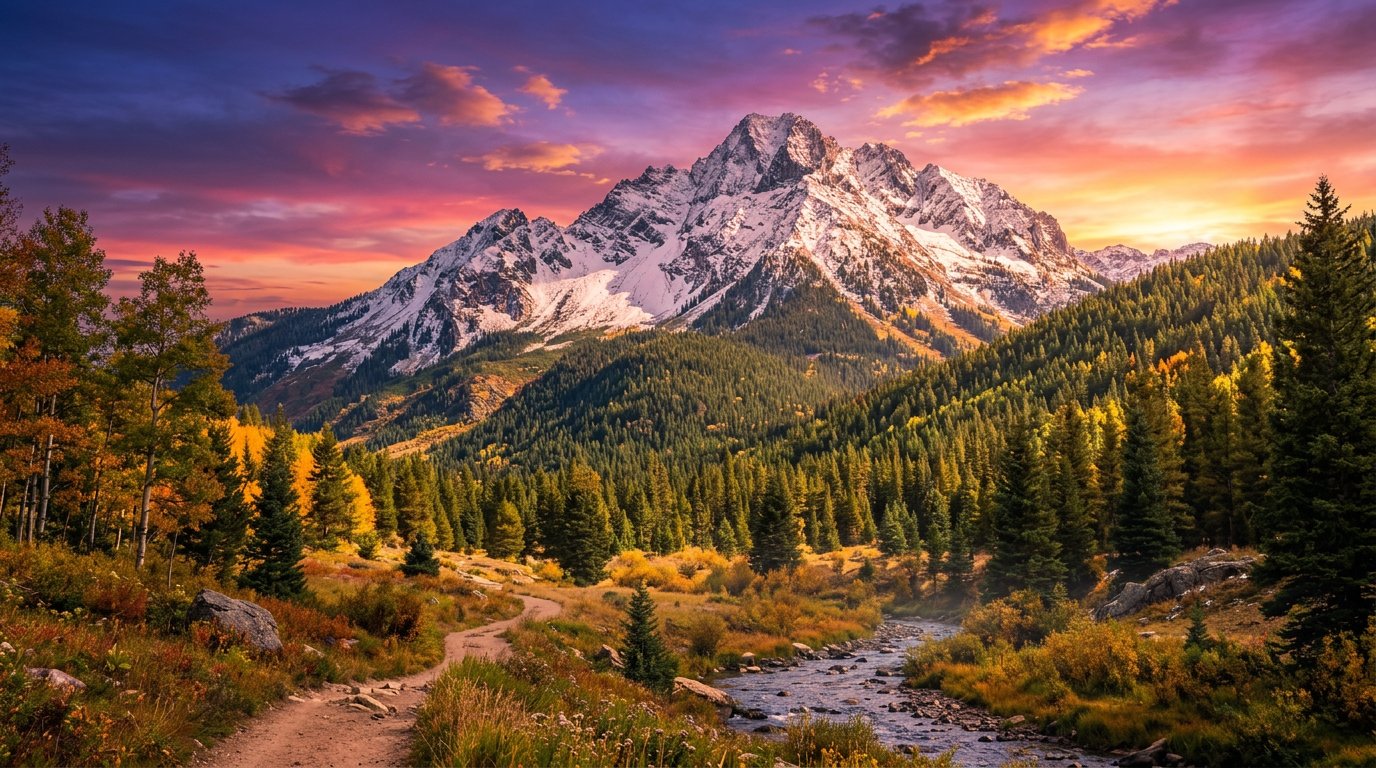
User: Nice. Now let's edit the second mountain image with a similar dramatic sky.
Merging Multiple Images
Because RidgeText's LLM can pass multiple reference IDs to the image generator at once, we aren't just limited to editing a single image. We can ask the AI to combine elements from entirely different images in our chat history.
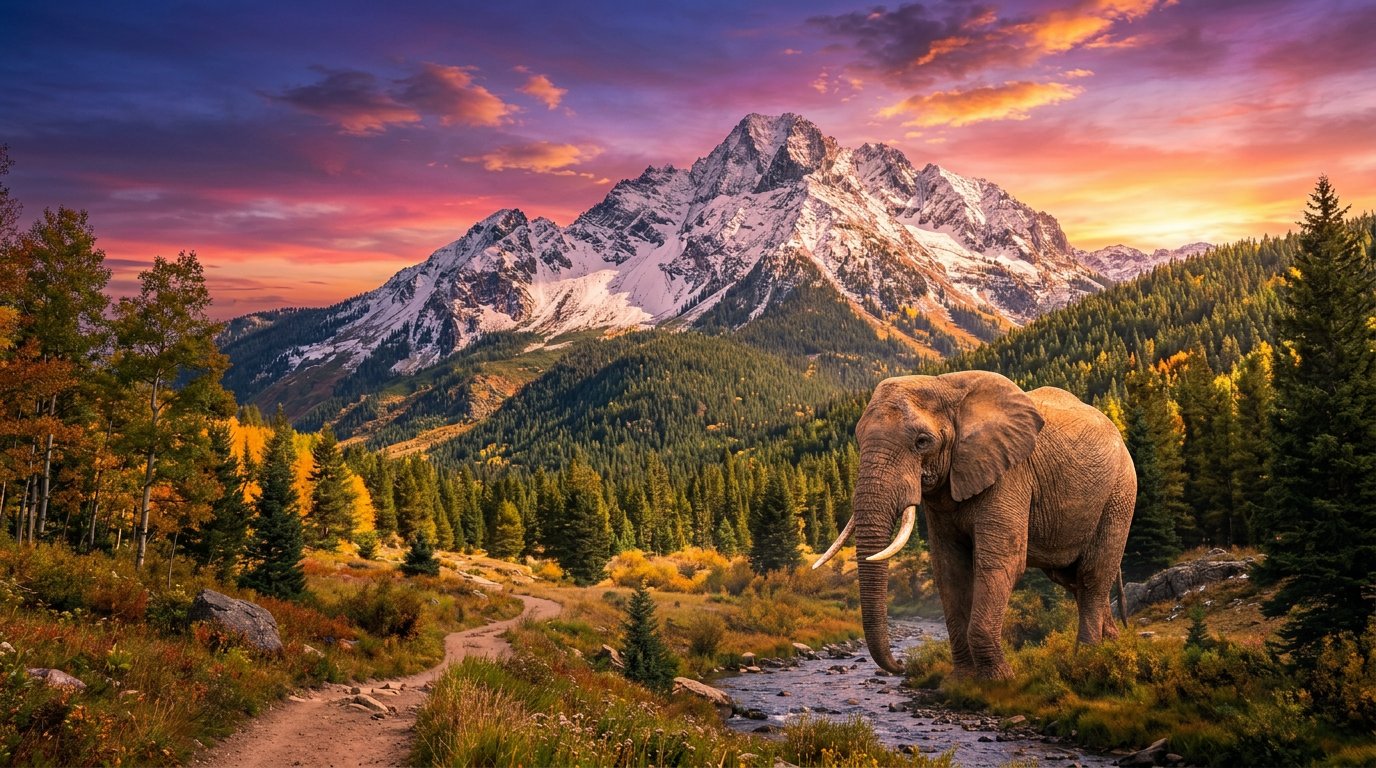
User: Please merge the elephant into the picture of the generated mountain.
A Funny Scenario: The Photobomber
We can pivot entirely to a new subject, create a complex scene, and then refine it perfectly in the next step.
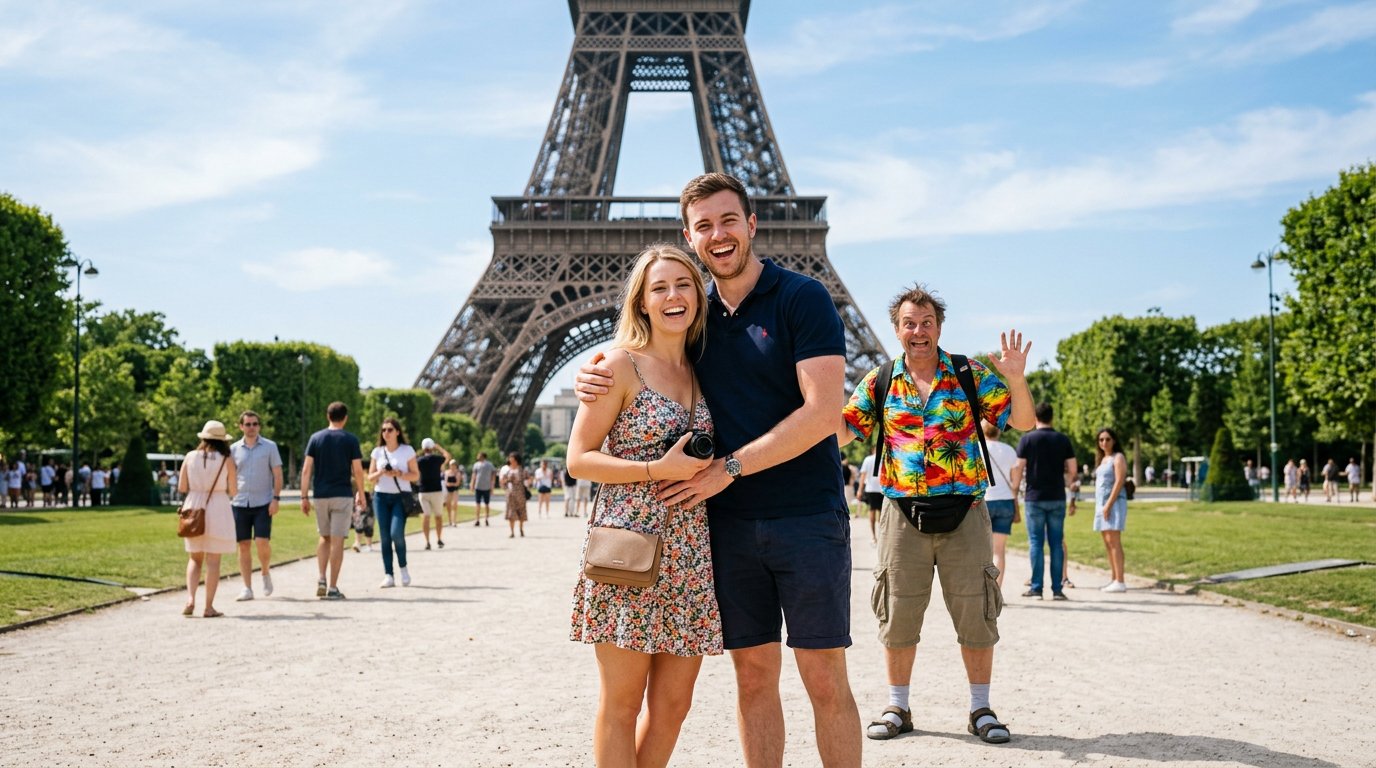
User: Create an image of 2 people posing for a photo in front of the Eiffel Tower with a weird tourist guy in a rayon tourist shirt and khaki shorts in the background, photobombing their picture.
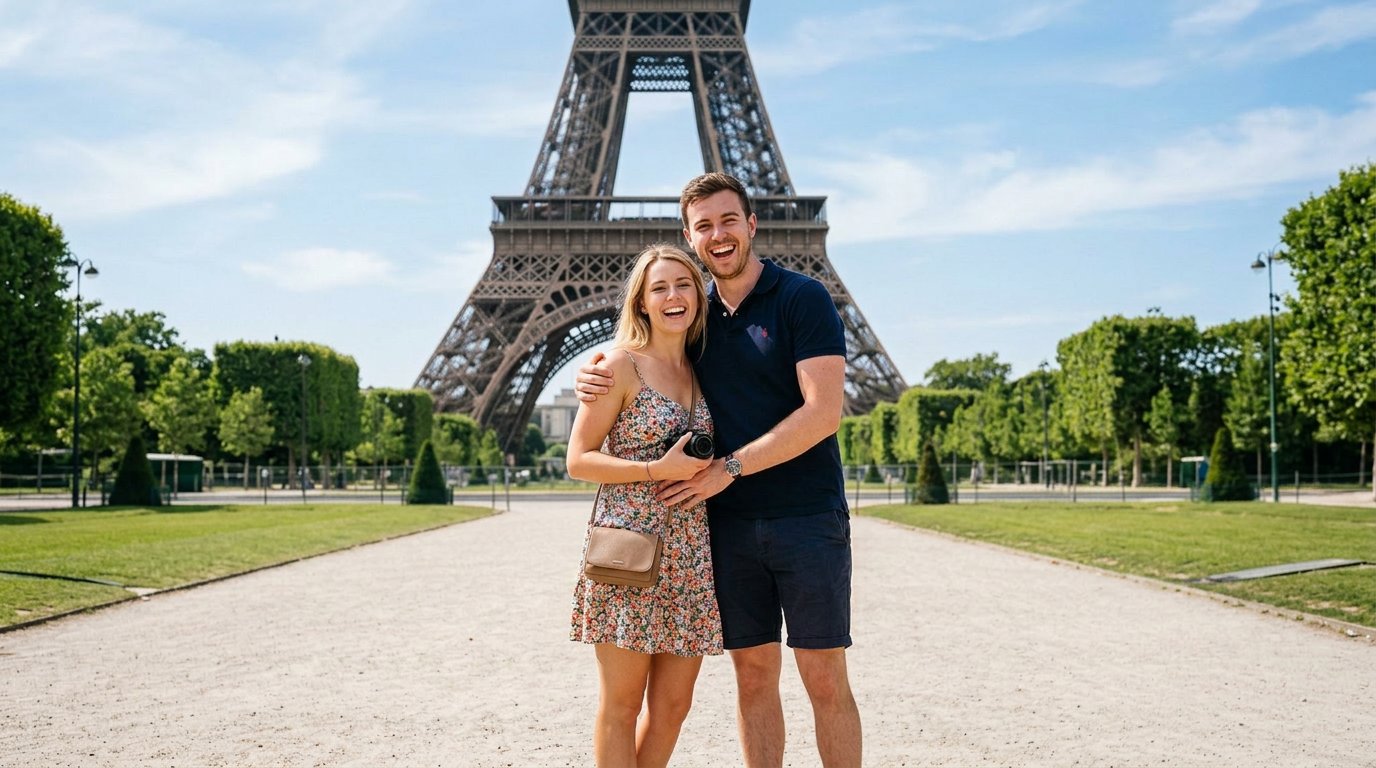
User: Please edit the picture to erase the weird guy in the background and all of the other people except the couple and the scenery.
A Smarter Context Window
Unlike simple bots that can only look at the previous message, RidgeText assigns an invisible ID to every image that enters the chat. When you ask to "edit the first image" or "change the sky in the elephant picture", the AI scans the history, finds the correct ID, and fetches the original image to use as a baseline.
This means you don't have to keep re-uploading the same photo to make multiple changes, and you can generate several different concepts before deciding which one you want to refine.
Session & Image Limits
- Conversation history — Your editing session resets after 6 hours of inactivity. Any new message within that window keeps the session alive and all image references intact.
- Image storage — All uploaded and generated images are automatically deleted after 24 hours. Once an image expires, it can no longer be referenced for editing and must be re-uploaded.