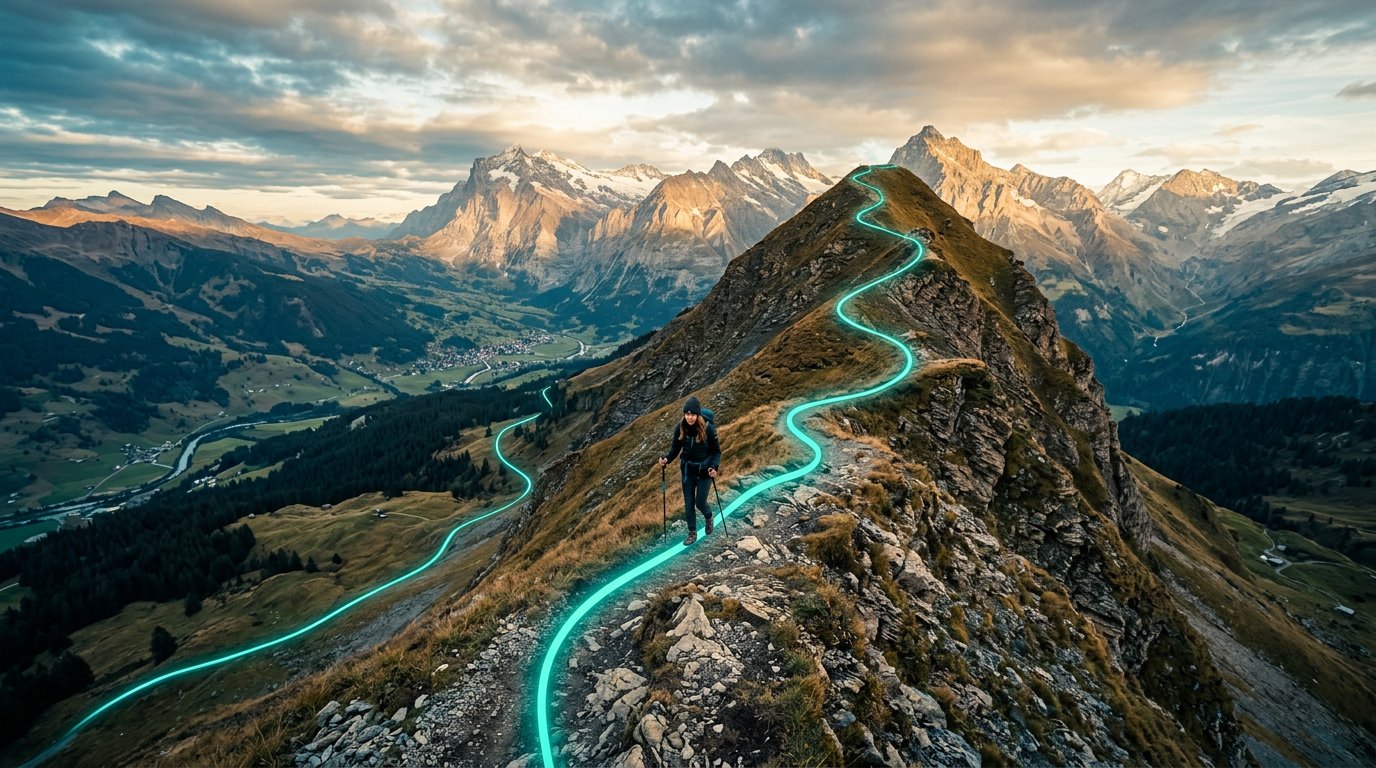
Track Your Trail.
Get a Map When You're Done.
Share your live location via Google Find Hub, and RidgeText automatically tracks your route. When sharing ends, you get a map of everywhere you went.
Automatic Trail Tracking via SMS
No app needed. Just share your location from Google's Find Hub and RidgeText takes care of the rest — recording your route every minute and delivering a map when you're done.
Share Your Location
Start a text to RidgeText, tap the + button in the message composer, and select the green Real-Time Location button.
RidgeText Keeps Track
While your location is shared, RidgeText keeps track of you through every step of your journey.
Get Your Trail Map
When location sharing ends, you automatically receive an MMS with a map showing your full route — every point you visited.
Example Conversation
Hey, heading out on the trail. Here's my location: https://findhub.app.google/abc123
9:02 AM
Got it! I'm now tracking your location. I'll send you a map of your route when you stop sharing. Stay safe out there!
9:02 AM
Your location sharing has ended. Here's your location map — 23 points recorded over ~47 min. [map image]
9:49 AM
Everything You Need
Automatic Route Recording
Your location is sampled every minute while sharing is active. GPS noise is filtered out so only real movement is captured.
Trail Map Delivered via MMS
When sharing ends, you receive a color-coded map showing your start point, end point, and the full path between them.
Works With Any Phone
No app to download. Share a Find Hub link via SMS and RidgeText handles everything. Works with any phone that can send a text.
Privacy First
Tracking stops the moment you stop sharing your location in Google Maps. You are always in control — close the share and tracking ends immediately.
How to Share Your Location
Start a text to RidgeText
Open your messaging app and start a new message to your RidgeText number.
Tap + and select Real-Time Location
In the message composer, tap the + icon and choose the green Real-Time Location button.
Choose a sharing duration
Select how long to share your location. RidgeText will track you for the full duration — or until you stop sharing early.
Send the message
Hit send — RidgeText automatically detects the location link and confirms it has started tracking your route.
Hike your trail
When sharing expires or you stop it early, your trail map is sent automatically.
Stopping Location Sharing Early
You can stop tracking at any time in two ways:
- From your phone: Go back to your message thread with RidgeText, tap the location link you shared, and choose Stop Sharing.
- From RidgeText: Text "stop tracking" (or "stop location", "end tracking", "I'm done") and RidgeText will end the session and send your map immediately.
Requires Explorer or Ranger Plan
Live location tracking is available on Explorer and Ranger subscriptions. Free and Pay-Per-Trip plans do not include this feature. View pricing →
Ready to Track Your Next Adventure?
Upgrade to Explorer or Ranger and get automatic trail maps delivered right to your phone.
See Pricing →