Where am I?
What am I looking at?
The RidgeText app for Android turns your phone's sensors into a text message. Your position, heading and photos go to RidgeText, and the answer comes back by SMS, on one bar of signal or over satellite texting.
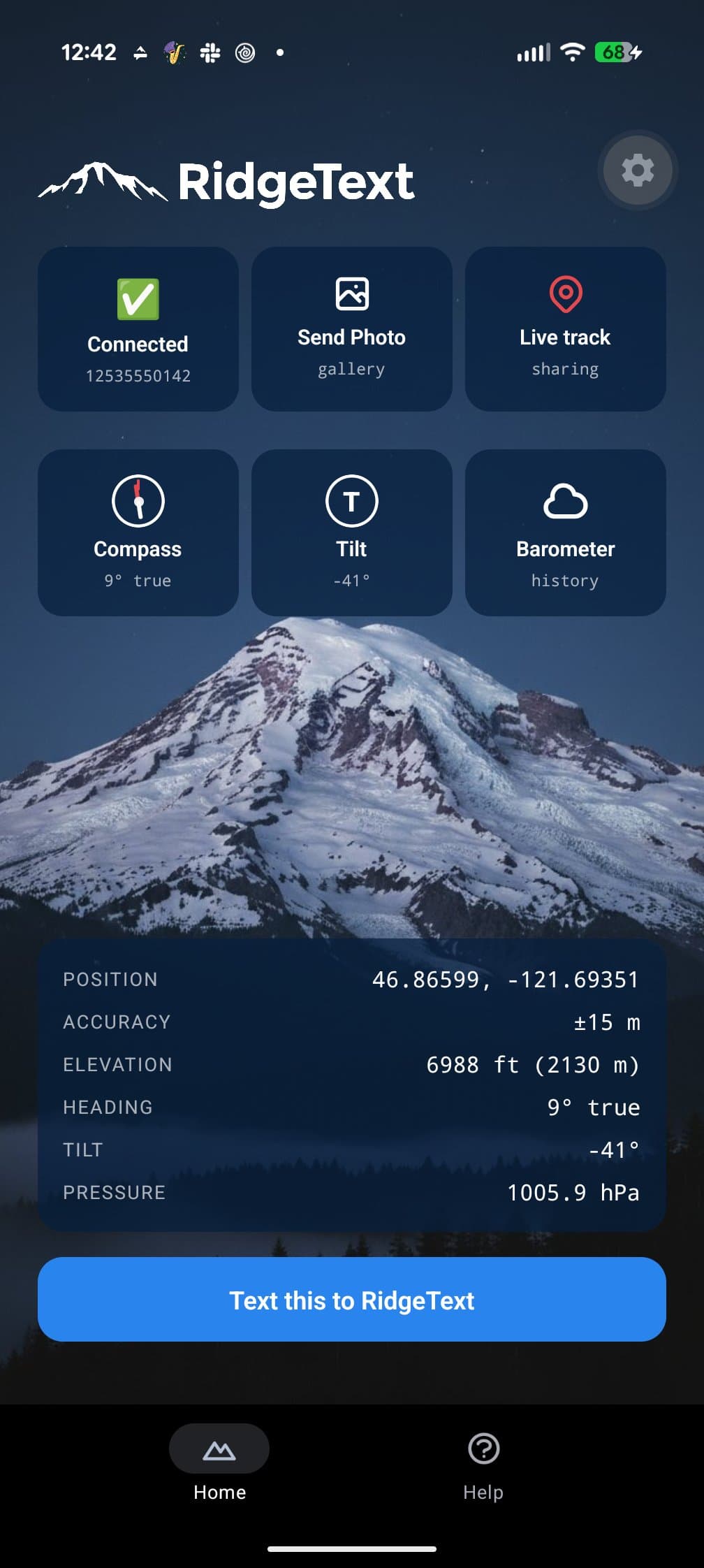
One Tap, One Text
The app never sends anything by itself. Every action opens your Messages app with the text already written; you check it and tap send. Because it's an ordinary text message, it reaches RidgeText anywhere a text does.
Send Where You Are
One button snapshots your position, accuracy, elevation, heading, tilt and air pressure into a single message. Ask what you're looking at and RidgeText knows where you're standing and which way you're facing.
What peak am I looking at?
• Location: 46.86599, -121.69351
• Accuracy: ±13 m
• Elevation: 6988 ft
• Facing: 9° true
Send a Photo
Take a photo and its location, elevation and camera direction travel with it as text. Carriers strip location data from picture messages; the text survives.
RidgeText can then name the peaks in your frame, tell you about a particular summit, or describe the terrain ahead.
Live Tracking
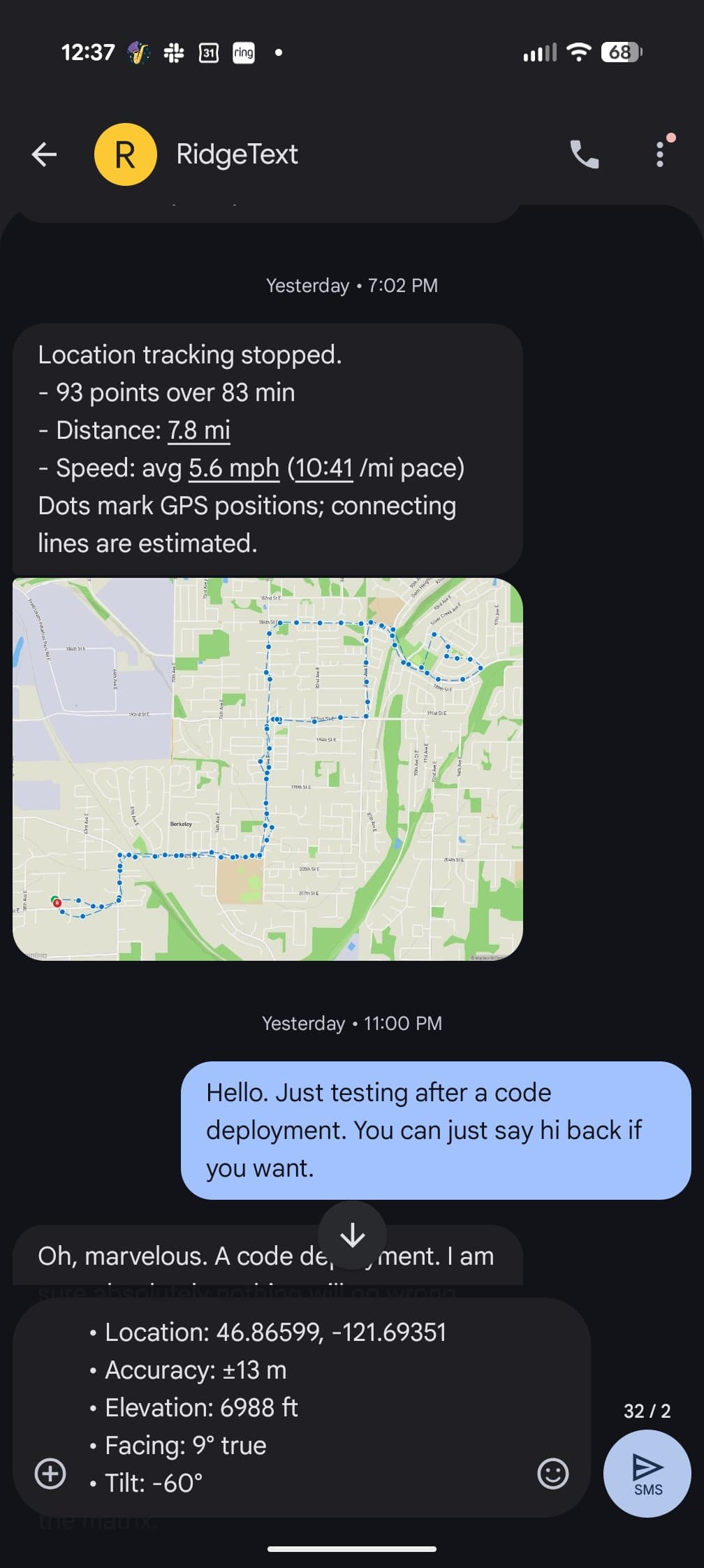
Start a session and the app checks in with RidgeText once a minute over mobile data. In a dead zone it holds on to its check-ins and sends them, in order, once you're back in coverage.
When you stop, RidgeText texts you a map of the route with the distance, time and pace.
Instruments That Work With No Signal
Free for everyone, no account needed. They read your phone's own sensors, so they work in airplane mode.
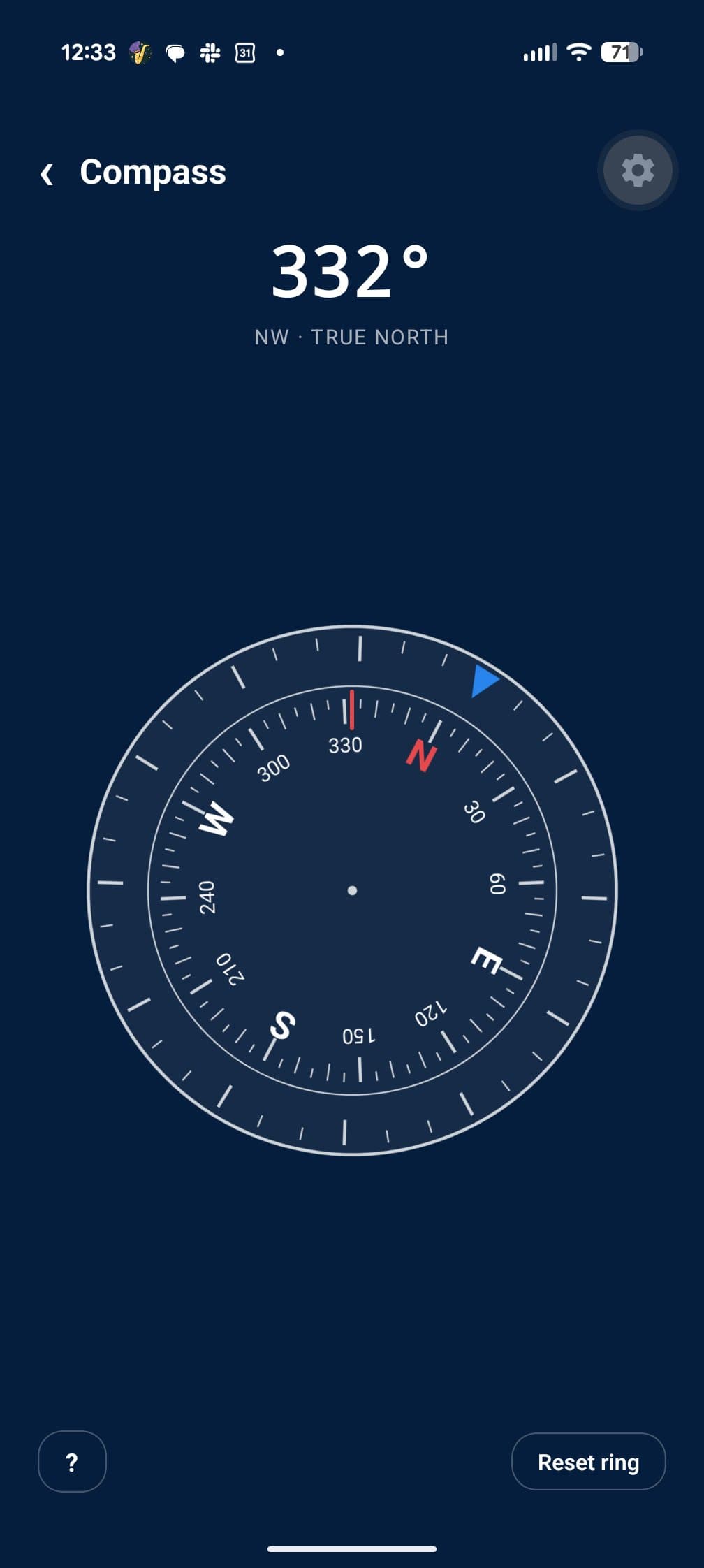
Compass
A rotating bezel for taking and holding bearings, read against true north.
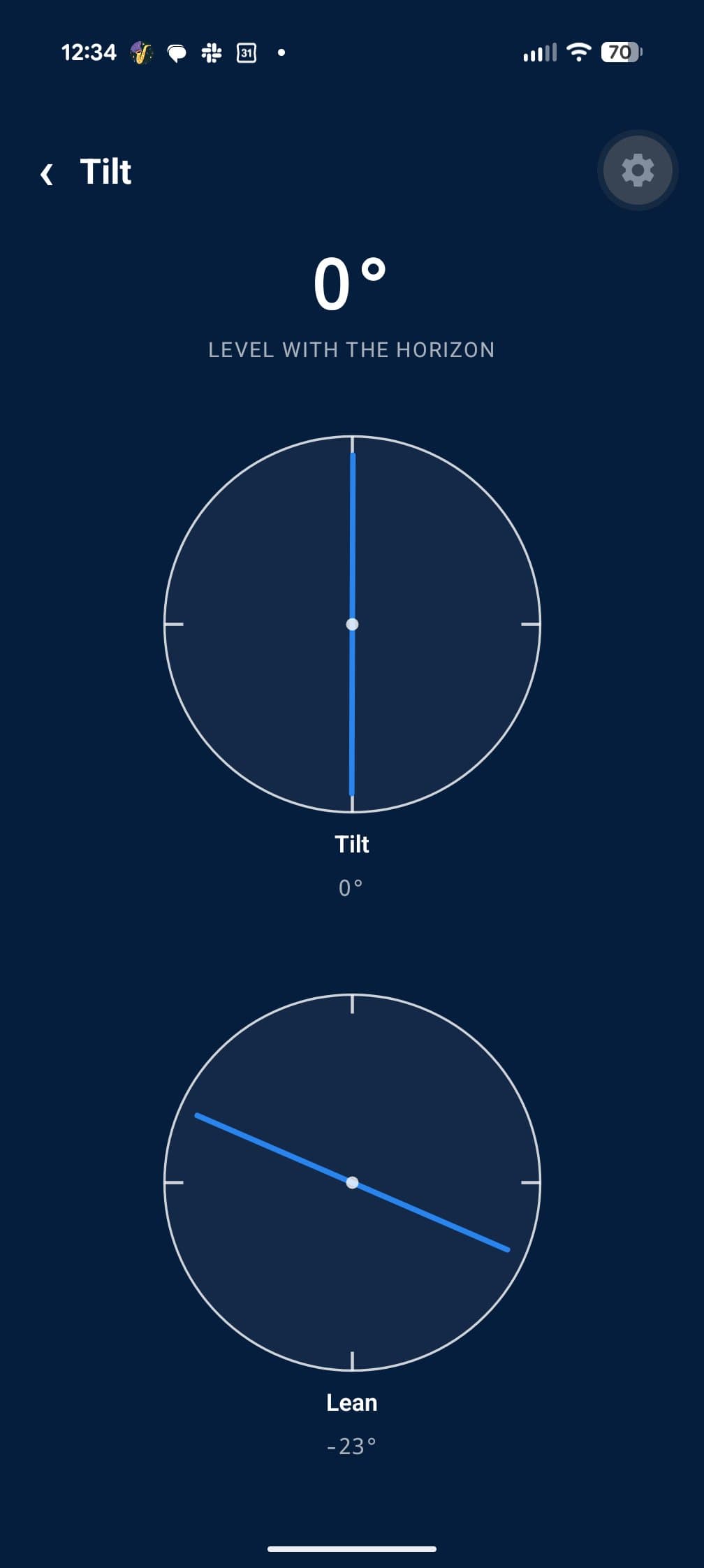
Tilt
An inclinometer for slope angles and sighting up to a ridge.
Barometer
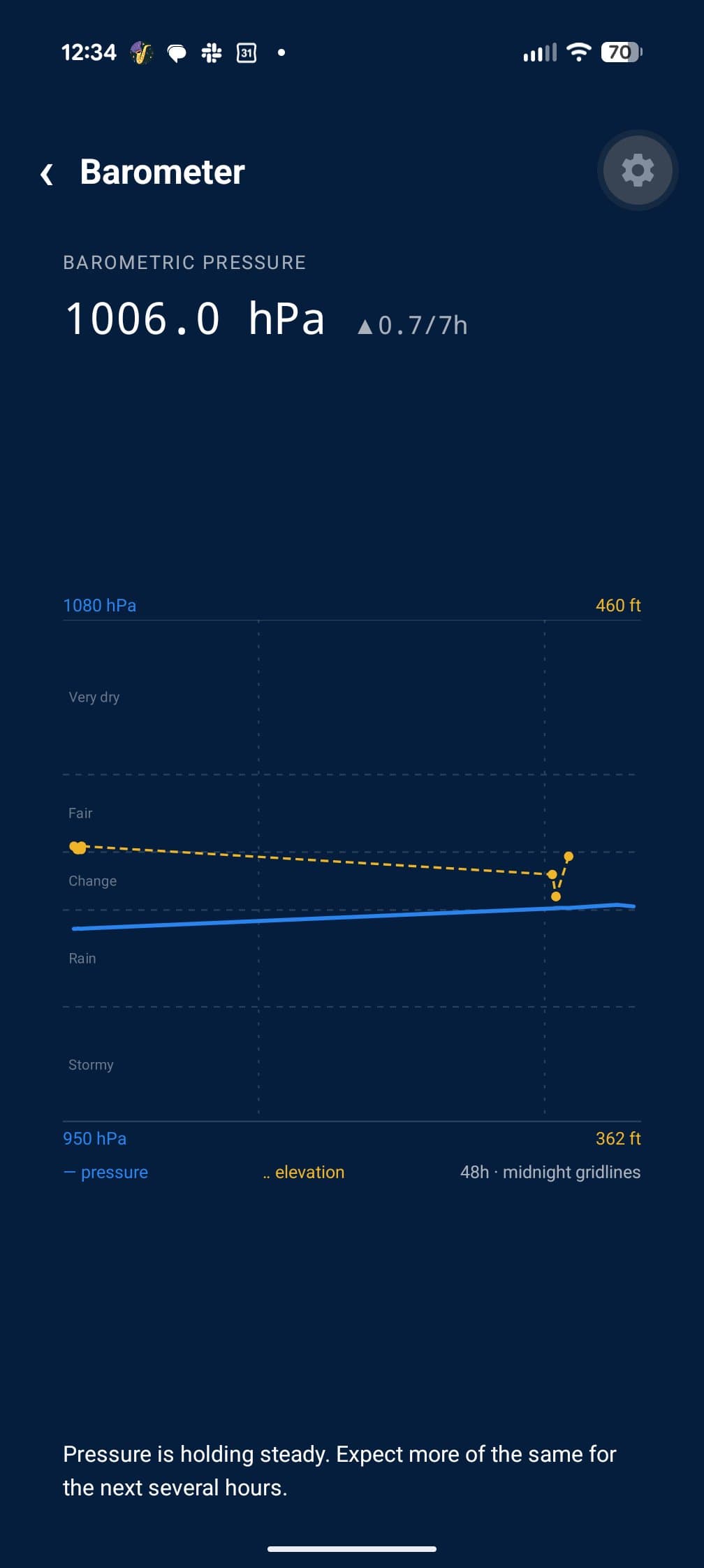
48 hours of pressure history on a classic dial, with a plain-language trend so you can see weather turning before it arrives.
Getting Started
Install the app
Get RidgeText from Google Play.
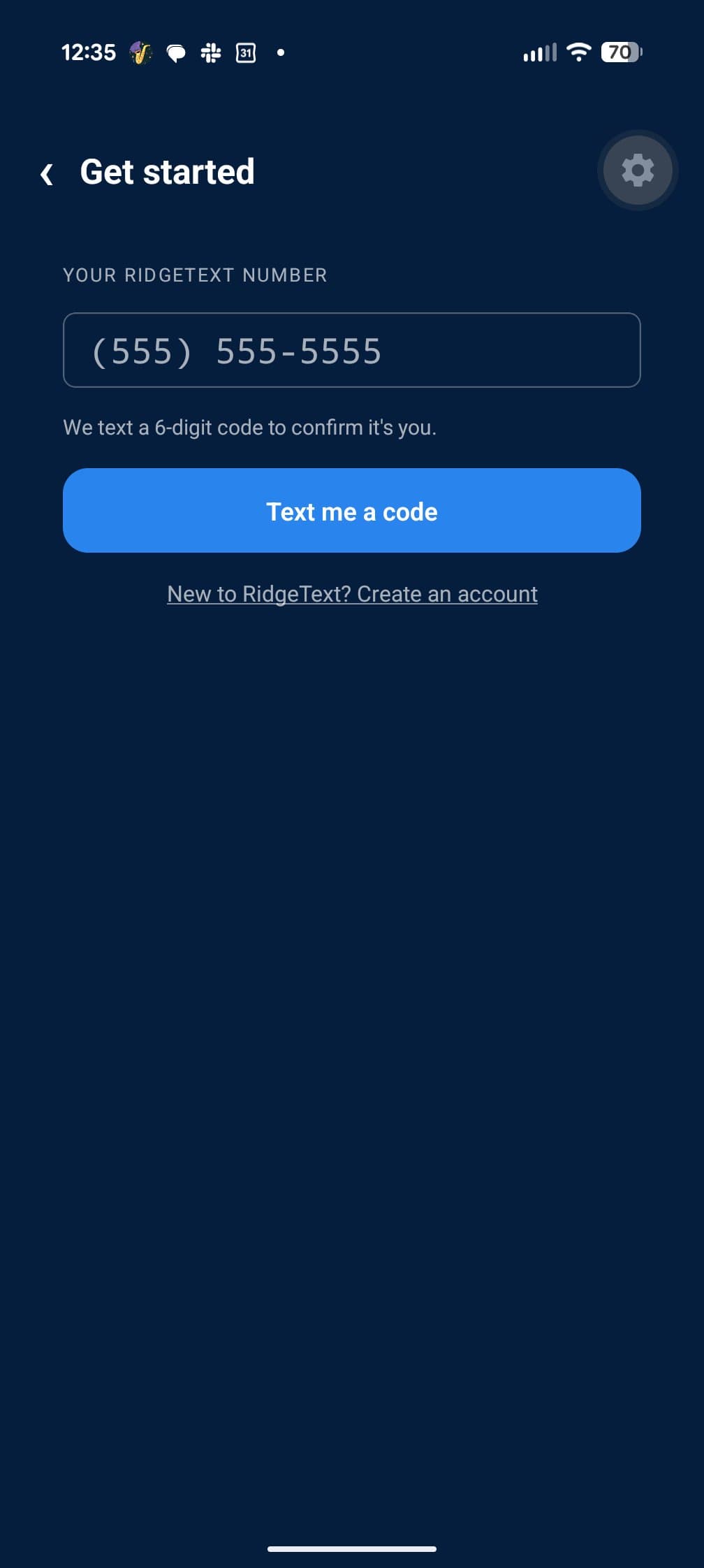
Enter your RidgeText number
We text you a 6-digit code, and Android fills it in for you.
Tap Text this to RidgeText
Your readings land in a new message, ready to send.
What you need
The instruments are free for everyone. Sending to RidgeText needs a RidgeText account, and live tracking is included with Explorer and Ranger or unlocked with credits. View pricing →
Take RidgeText Further Out
Free on Google Play for Android.