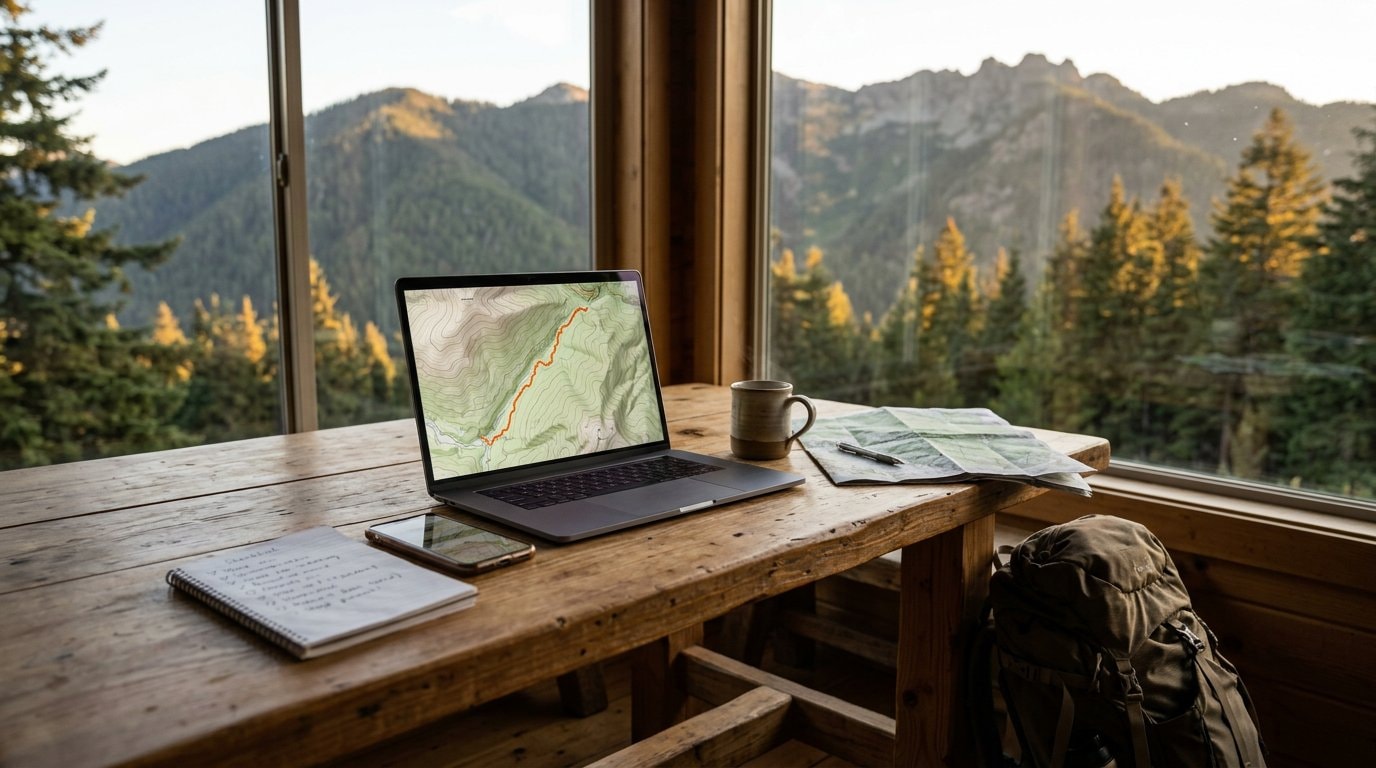
Web Chat
Plan at Home.
Text from the Trail.
The RidgeText assistant in your browser, with full-size images and maps, room for big PDFs and videos, and the same notes and memories as your texts.
What a Bigger Screen Gets You
The same assistant, the same weather, trail and fire tools, without the limits of a text message.
Bigger Images
Generated images arrive at full size, with no text-message compression. Choose 2K or 4K for a single image when you want to print it or look closer.
Detailed Maps
Trail, fire, weather and land maps at their original resolution. Open one full screen, zoom in on the trail junctions, and download it for offline use.
Large PDFs, Video and Audio
Attach up to 10 files at once: PDFs and audio up to 100 MB, photos up to 30 MB, and videos up to 2 GB (about 45 minutes). Ask about a whole guidebook, a park's regulations, or your helmet-cam footage.
Shared Notes and Memory
Your notes and the things RidgeText remembers about you are the same on the web and by text. Plan at your desk, then ask about it from the trailhead.
Full-Length Answers
Text messages are kept short to fit your phone. On the web you get the whole answer, with headings, lists and tables that are easy to scan.
See the Work as It Happens
Each step shows as it runs: the weather check, the trail search, the map being drawn. You know what RidgeText looked up before you read the answer.
One Assistant, Two Ways to Reach It
Your notes and memories follow you between the web and your phone, so the planning you do at home is there when you only have one bar of signal.
At home
Upload the forest’s motor vehicle use map and the permit rules as PDFs. Ask for a trail map of the loop, download it at full resolution, and save the junctions you care about as notes.
On the road
Text RidgeText from the trailhead. Your notes are there, and it remembers your gear, so "what’s the weather at the first camp in my notes?" just works.
Back home
Check off the notes you finished, save what you learned as new ones, and start planning the next trip.
Each web conversation is kept on its own, separate from your text thread. Notes and the facts RidgeText remembers about you are shared by both.
Web and Text, Side by Side
Texting still wins with no data signal. Everywhere else, the web shows you more.
| Feature | Text message | Web chat |
|---|---|---|
| Generated images | Sized to fit a text message | Full size, with 2K and 4K options |
| Maps | Compressed for MMS | Original resolution, zoom and download |
| Files you send | 5 MB per text message | Up to 10 files: 100 MB PDFs, 2 GB videos |
| Answers | Short, to fit a text | Full length, formatted |
| Notes and memories | Yours | The same ones |
| Works with no data signal | Yes | No |
Room to Grow
A text message can only hold so much. The web chat is where new features that need a screen will arrive first. Be on the lookout for more features that only the web can provide.
Included with Paid Plans
Sign in with your RidgeText account. Web messages are counted separately from your texts.
Explorer
100 web messages a day, up to 400 a month
Ranger
250 web messages a day, up to 800 a month
Credits
1 credit a message on any plan, including past your plan’s allowance. Credits never expire.
Start Your Next Trip on the Big Screen
Sign in and open the chat. Everything you plan there is waiting for you by text.