RidgeText started as a text message assistant, and that's still what it's best at. When you're at the trailhead with one bar of signal, a text gets through where an app or a web page won't. But a lot of trip planning doesn't happen at the trailhead. It happens at a desk the week before, with a big screen, a fast connection and a stack of PDFs from the forest service.
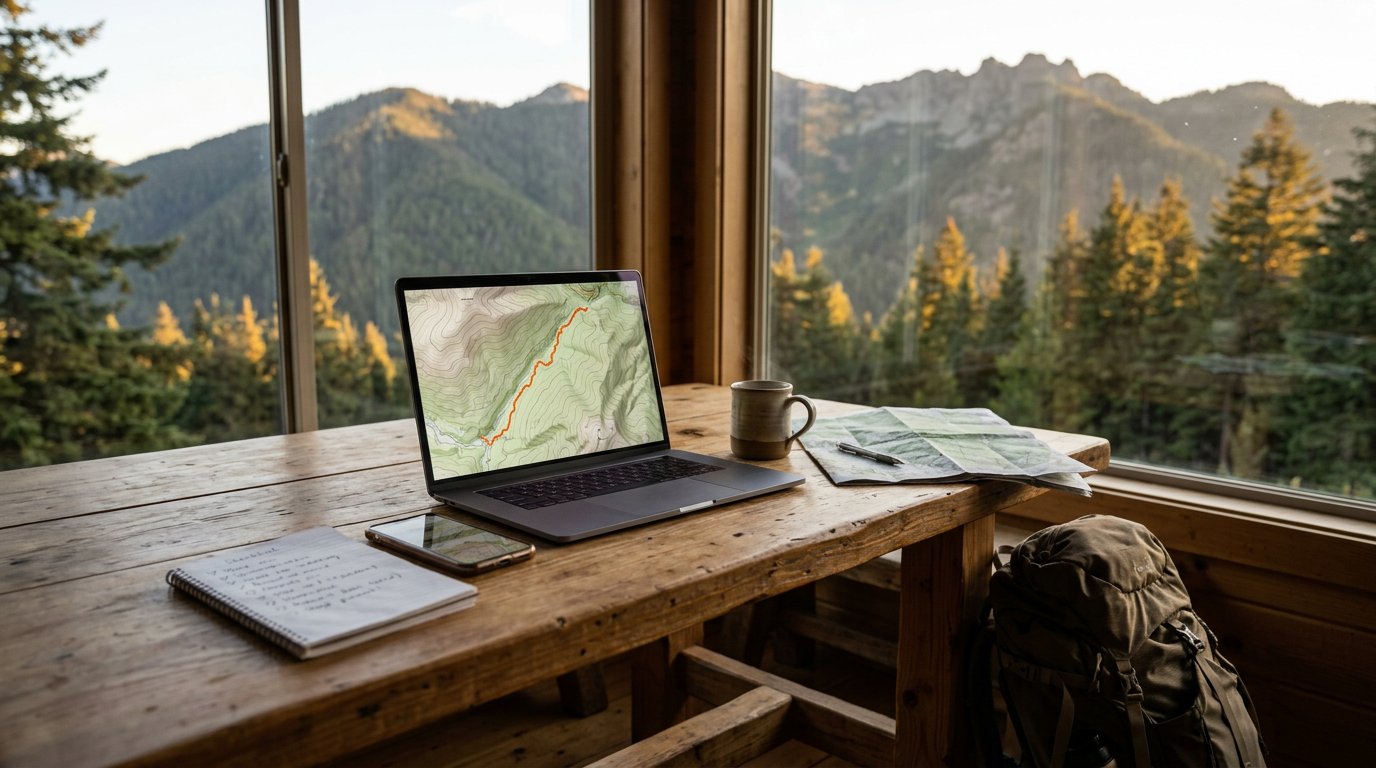
So we built a place for that. The RidgeText web chat runs in your browser at ridgetext.com/chat. It's the same assistant, with the same weather, trail, fire, land and map tools you use by text, without the limits of a text message.
Bigger images
A text message can carry about 5 MB of media, so every image we send by text is shrunk to fit. On the web there's no such limit. Generated images arrive at full size, and for a single image you can choose 2K or 4K. 2K is twice the width and height, and 4K is four times, which is enough to print. The larger sizes take a minute or two longer to make, so the chat goes back to the standard size after each message.
Maps you can actually read
Trail, fire, weather and land ownership maps show at their original resolution. Click one to open it full screen, zoom in on the junction you're unsure about, and download it to keep on your phone for when you lose signal. A map that was a thumbnail in your messages becomes something you can plan a route from.
Big PDFs, videos and audio
You can attach up to 10 files to a message: PDFs and audio up to 100 MB each, photos up to 30 MB, and videos up to 2 GB, which is about 45 minutes. That opens up questions a text message couldn't carry:
- Upload a motor vehicle use map and ask which roads are open to your rig in October.
- Drop in a park's 80-page regulations and ask what it says about dispersed camping and campfires.
- Send your helmet-cam footage from last weekend's ride and ask where you took the wrong turn.
- Attach a hunting regulations booklet and ask for the season dates for your unit.
RidgeText keeps your files with the conversation, so you can come back to the same PDF with a follow-up question later.
Shared notes and memory for trip planning
This is the part we're most excited about. Your notes, and the things RidgeText remembers about you (your truck, your dogs, the gear you always forget), are the same on the web and by text.
That means you can plan at home and pick it up on the road. Save the campsites you're considering, the permit window and the resupply stop as notes in the web chat. A week later, text RidgeText from the trailhead and ask about the first camp. Your notes are already there.
Each web conversation is its own, separate from your text thread, so a long planning session doesn't crowd your texts. The notes and memories are what carry across.
Full answers, and the work behind them
Answers by text are kept short to fit on a phone. On the web you get the whole answer, with headings, lists and tables. While RidgeText works, each step shows as it happens: the weather check, the trail search, the map being drawn. You can see what it looked up before you read what it found.
More to come
A text message can only hold so much, and the web chat is where new features that need a screen will show up first. Be on the lookout for more features that only the web can provide.
Who can use it
The web chat is included with paid plans. Explorer gets 100 web messages a day, up to 400 a month, and Ranger gets 250 a day, up to 800 a month. Web messages are counted separately from your texts. Credits work too: one credit per message, on any plan, including after you've used your plan's web messages for the day. Credits never expire.
If you're on the free plan, you can still open the chat and see what it looks like. When you're ready, it'll show you the plans and credit packs that unlock it.
Read more on the web chat feature page, or open the chat and start planning your next trip.
Get out there and be safe!